
Use case · Plan
A trip plan that did the legwork for you
Send your dates, budget and limits from your Mac or your phone. QuickSilver researches routes, drive times, opening hours and places to stay, and comes back with a day-by-day plan you can picture. It plans; booking stays with you.
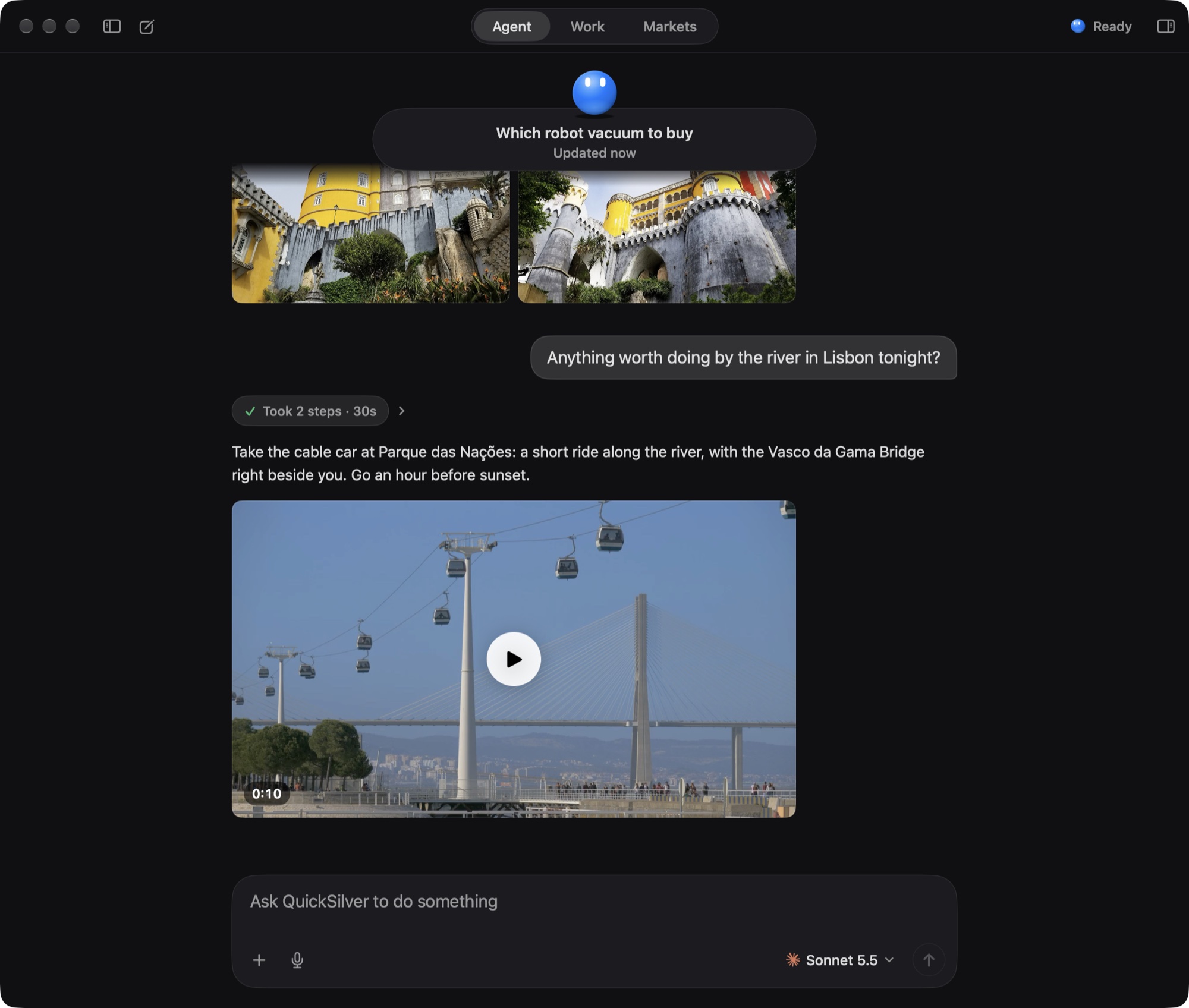
What comes back
- A day-by-day plan: where you sleep, what you see, in what order, with drive or train times between stops.
- Your limits respected: the budget split into stays, transport and tickets; the longest drive each day; the things you said to avoid.
- Photos of each stop in the reply, found on the web and captioned, so you can tell a viewpoint from a car park.
- The details that trip people up: closing days, timed-entry tickets, places that need booking ahead.
- Links to the official pages it used, and a calendar file (.ics) you can open to add the days to Calendar.
- A saved copy of the plan in your Kaairos folder, listed under Work › Made for you.
Plan 5 days in Portugal in June for two, under $2,000 not counting flights, max 3 hours of driving a day. We like small hotels, food markets and walking. No beach days.
Here's the plan: two nights in Lisbon, a day in Sintra, then Porto and the Douro valley. Longest drive: 2 h 50 min, Lisbon to Porto on day 3, with a lunch stop in Coimbra. Stays come to $1,120 for both of you, car hire $310, tickets and food budget $480: $1,910 in total. Pena Palace needs a timed ticket; I'd book the 9:30 slot. Photos of each stop below, and Portugal in June.ics to add it to your calendar.
Pena Palace says sold out on the 14th. Can you fix that?
Swapped two days: Sintra moves to the 13th, which still has 9:30 tickets, and the Lisbon food market moves to the 14th. Drive times don't change. The calendar file is updated.
Who it's for
- Couples and families with constraints: a budget, a driving limit, a child's bedtime, a grandparent who can't do stairs.
- Road trips: the drive-time arithmetic is the part that takes hours by hand.
- First visits: it finds the things everyone else learned the hard way, like closing days and timed tickets.
- People planning from the sofa: ask from Telegram or WhatsApp and the plan comes back there.
How to ask, step by step
- Open a new chat on your Mac, or message QuickSilver from your phone.
- Give it the five things a good travel agent would ask: where and when, who's going, the budget and what it covers, your limits (driving, walking, stairs, early starts), and what you like and don't.
- Watch the steps on the right as it searches, opens pages in its own browser and works out drive times. You can stop it at any point.
- Read the plan, then change it in plain words: “swap days 2 and 3”, “cheaper hotel in Porto”, “add a rest day”.
- Ask for the calendar file, a packing list, or a version to share: “make a one-page PDF of this for my sister”.
“Plan [5 days] in [Portugal] from [12 June] for [two adults]. Budget [$2,000] for [hotels, car and tickets, not flights]. No more than [3 hours] of driving a day. We like [small hotels, food markets, walking]; we don't want [beach days, chains]. Show photos of each stop and give me a calendar file.”
Variations
Weekend away by train
“A weekend in [city] by train from [home], leaving Friday after 5 PM, back by Sunday 9 PM. Under £400 for two. Best-reviewed place to eat near the hotel.”
With children
“4 days in [region] with a 4- and a 7-year-old. Max 90 minutes in the car at a time, one thing a day they'll love, back at the hotel by 6.”
A special day
“Find three restaurants with a private room free on the 14th for 12 people, within 20 minutes of [address], under €60 a head.”
Accessibility first
“3 days in [city] for my dad, who uses a wheelchair: step-free hotels, accessible sights, and how to get between them.”
Compare two options
“Lisbon or Seville for 4 days in October? Compare weather, cost, crowds and how easy it is without a car. Then pick one.”
After planning
“Watch the fare for the 3 June flight and tell me if it drops under €120.” That becomes a price watch.
Which AI plans it, and what leaves your Mac
A trip plan is a conversation, so it runs on your main brain: the online AI you connected (Claude Sonnet 5.5 by default with a Claude account), or the private AI on your Mac if you haven't connected one. Long research is where online models shine; the private AI can do it too, more slowly. You can pick the model for a single chat with the model picker in the chat.
| Step | Where it happens | What leaves your Mac |
|---|---|---|
| Planning and writing | Your main brain | With an online AI: your request and what it read go to that company. With the private AI: nothing |
| Searching and reading pages, with its own browser when needed | Your Mac | Search words to the search service; visits to the sites |
| Drive times | A route lookup on the web, such as OpenStreetMap's routing service, or a web search | The places on your route |
| Photos | Image search on the web | The search words |
| The plan and calendar file | Your Kaairos folder | Nothing, unless you asked from your phone: then the reply comes back through Telegram or WhatsApp |
What a plan costs
A trip plan is a big job: many searches and pages. Assumption: about 40 model calls averaging 25,000 input tokens (1 million input, 15,000 output).
- Claude Sonnet 5.5 ($2 / $10 per million): 1,000,000 × $2/M + 15,000 × $10/M ≈ $2.15.
- Claude Haiku 5.5 ($0.10 / $0.50 per million): ≈ $0.11, if you pick it for that chat. Cheaper, less thorough.
- ChatGPT plan: no per-token bill; counts toward your plan's limits.
- Private AI: free, and slower: give it time, or plan from your phone and let it work.
Prices from Anthropic's price list. Each change you ask for afterwards is a much smaller job.
What it can't do
- It doesn't book. No flights, rooms, tickets or car hire. It gives you links; you book. Under the default setting it asks before anything that spends money.
- Prices and availability move. What it found at 8:30 PM may have changed by morning. Book the things that sell out first.
- It can't see inside booking sites that need your login, and some travel sites block automated visits. When that happens it says so, and works from what it could read.
- It isn't a travel agent. No visa advice you should rely on, no insurance, no help if a flight is cancelled. Check entry rules on official government sites.
- Opening hours on the web are sometimes wrong. It uses official pages where it can and lists its sources.
Troubleshooting
| Problem | Fix |
|---|---|
| The plan ignores a limit | Say it again as a rule: “never more than 3 hours of driving in a day, check every day”. It re-plans. |
| Too many sights | “One main thing a day, the rest optional.” |
| It's taking a long time | Big plans on the private AI take a while. The steps on the right show progress. Or pick an online model for this chat. |
| A photo shows the wrong place | “The photo for day 2 is wrong; find one of the actual hotel.” It only uses images it found; it never makes up an address for one. |
| The calendar file is missing | “Send me the .ics file again.” From the phone, it arrives as an attachment; on the Mac, it's in your Kaairos folder. |
Fair questions
Does it book flights or hotels?
No. It plans and gives you links. Booking stays with you.
Can it keep an eye on a fare after planning?
Yes. Ask it to watch the price and it becomes a routine that tells you if it drops.
Can I plan from my phone?
Yes. Message QuickSilver on Telegram or WhatsApp and the plan, photos and calendar file come back in the same chat. Your Mac does the work, so it needs to be on.
Which AI is best for trip planning?
A strong online model is fastest and most thorough for big plans. The private AI works too, more slowly, and keeps the planning on your Mac.
Will it remember my preferences next time?
It remembers things you tell it to, like “we always want small hotels” or “my partner doesn't drive”, and things it learns along the way. You can see what it has learned in the Work tab, and tell it to forget anything.
Can it make a shareable version?
Ask for a one-page PDF or a Word document. The first time, it may install a small helper to make the file, and asks before it does if your setting is Always ask first.
Download and go
Your AI agent, already set up.
One button to set up. Its own private AI, free. Claude, ChatGPT or Gemini when you want more.
A Mac with Apple silicon (M1 or later), macOS 15 Sequoia or later. 14-day refund.