
Compare
Kaairos vs GPT4All
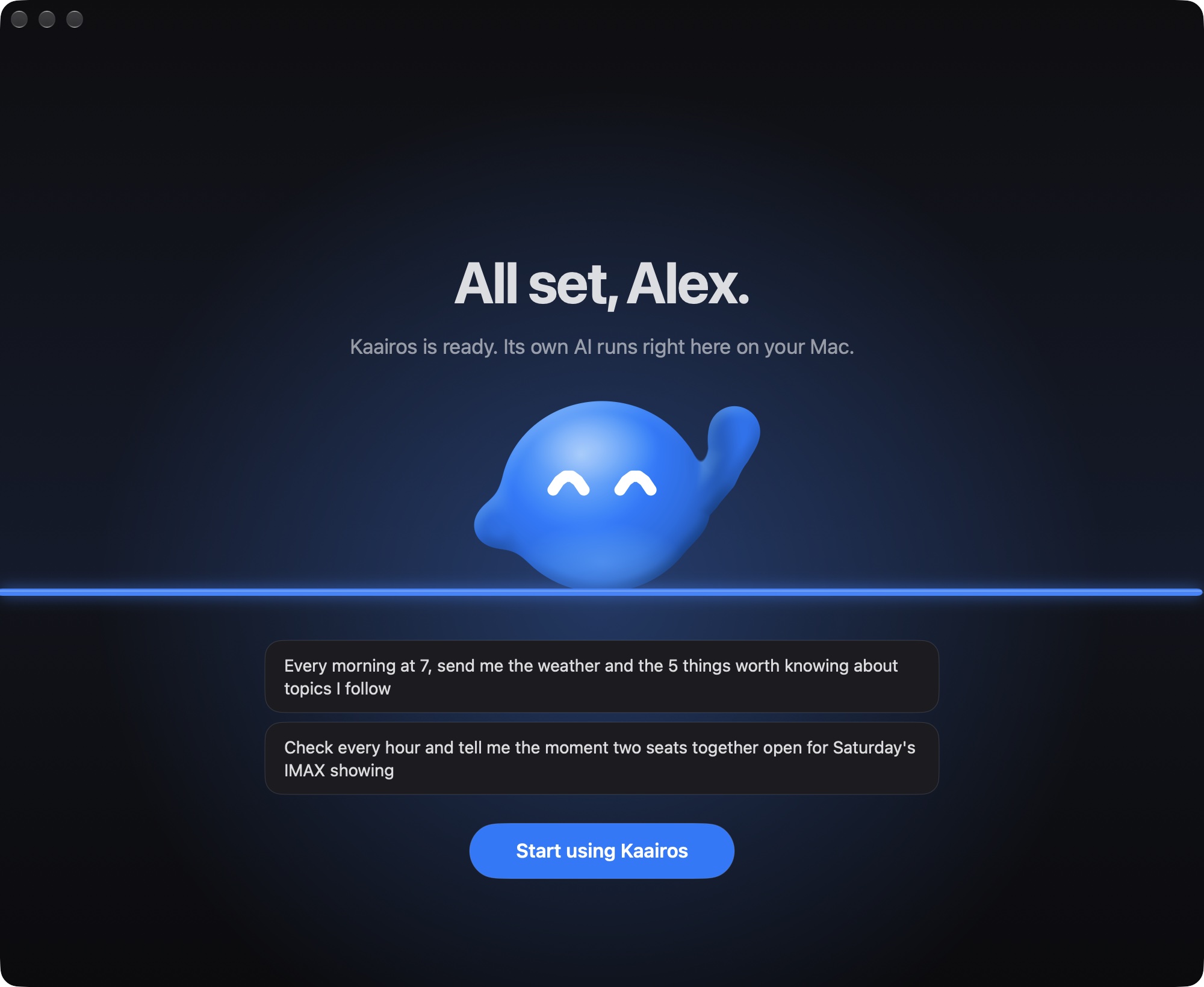
GPT4All, from Nomic, was one of the first easy ways to run a language model on an ordinary laptop, and LocalDocs made it a favourite for chatting with private files. Kaairos is an agent: it uses a private model to do things, not only to answer.
The short answer
GPT4All is free and MIT-licensed, runs on 16 GB Macs back to macOS Monterey, and lets you chat privately with a local model and your documents; its last release was February 2025. Kaairos is an agent with its own private AI that browses, keeps routines and reaches your phone, for $29 once on a 32 GB Mac. GPT4All for free offline chat; Kaairos to get things done.
Side by side
What it is
| Kaairos | GPT4All | |
|---|---|---|
| Product | A Mac app: an AI agent that's already set up, built on Hermes Agent by Nous Research | A desktop app that “runs large language models privately on everyday desktops & laptops” |
| Made by | Stuvio | Nomic |
| Setup | Download, open, click Set it up. No terminal, no config files, no API key needed | Install, then download a model from its list |
| Latest release (checked 16 Nov 2026) | Version 0.1.0 (pre-release), engine Hermes Agent 0.23.1 | v3.10.0, 25 February 2025; no release since |
Models
| Kaairos | GPT4All | |
|---|---|---|
| Local AI | Yes: downloads its own open-weight AI (about 24 GB) and runs it on the Mac with llama.cpp. Needs 32 GB of memory | GGUF models you choose, such as Llama 3 8B Instruct, Mistral 7B and DeepSeek R1 distills |
| Choosing a model | Done for you, sized to your Mac's memory | You pick from its list |
| Online AI | Optional: Sign in with ChatGPT (your ChatGPT plan), or your own key for Claude, OpenAI, Gemini, OpenRouter and 15 more services, or any OpenAI-compatible endpoint | Remote providers (Groq, OpenAI, Mistral) added in v3.10.0 |
| Works offline | The private AI does | Yes: “No API calls or GPUs required” |
Abilities
| Kaairos | GPT4All | |
|---|---|---|
| Chat | Yes | Yes |
| Chat with your documents | Reads files you point it to | LocalDocs: chat privately with your own files |
| Web and browser | Yes: searches the web and uses a real browser, shown live in the chat | Not mentioned in its official docs |
| Acts on files and apps | Yes, on the Mac; deletes and other risky steps wait for your OK; changed files are snapshotted so they can be undone | Not mentioned in its official docs |
| Schedules | Yes: routines from a gallery or in plain words; run on the private AI by default; the Mac must be on and awake | Not mentioned in its official docs |
| Phone | Telegram and WhatsApp, linked by scanning a QR code; voice notes transcribed on the Mac | No |
| MCP and tools | Yes: connectors from an approved catalog (Notion, Linear, Asana, Dropbox, Stripe and others); reads freely, changes need approval | Not mentioned in its official docs; integrations listed are LangChain, Weaviate and OpenLIT |
| Pictures and video | Keyless photo and video search shown in replies; image and video generation through Higgsfield or an image service on your account | No |
Safety and privacy
| Kaairos | GPT4All | |
|---|---|---|
| Approvals | Three levels: Always ask, Ask before anything risky (default), Just get it done | Not needed: it doesn't take actions |
| What leaves the computer | Chats you give an online AI you connect, web searches and pages it visits, Telegram/WhatsApp messages, the model download, updates and licence checks | “No data leaves your machine” with local models; remote providers if you add them |
| Data sharing | None: no analytics in the app | Datalake: opt-in sharing of chats with the GPT4All community, off by default |
Platforms and price
| Kaairos | GPT4All | |
|---|---|---|
| Platforms | Mac with Apple silicon (M1 or later), macOS 15 or later. No Windows, Linux or phone app yet | macOS, Windows (x64 and ARM), Ubuntu (x86-64) |
| Mac requirements | Apple silicon, macOS 15+; 32 GB for the private AI | macOS Monterey 12.6 or newer; best on Apple silicon; 16 GB of memory |
| Price and licence | $29 at launch, then $80, once, for 3 Macs and every 1.x update; 14-day refund. Online AI, if you add it, is paid to that company | Open source (MIT), free to download |
What each is really for
GPT4All: private chat, with your documents
GPT4All's promise is simple and still appealing: a free app, no account, a model that runs on your own laptop, and nothing leaving the machine. LocalDocs lets you point it at a folder and ask questions about the files in it. It runs on a wide range of computers, including 16 GB Macs on older versions of macOS, and on Windows and Linux.
It's worth being clear about its pace. The latest release on GitHub is v3.10.0 from 25 February 2025, and the main branch has seen little since. That doesn't stop it working, but newer open-weight models and features arrive elsewhere first.
Kaairos: private AI that does the work
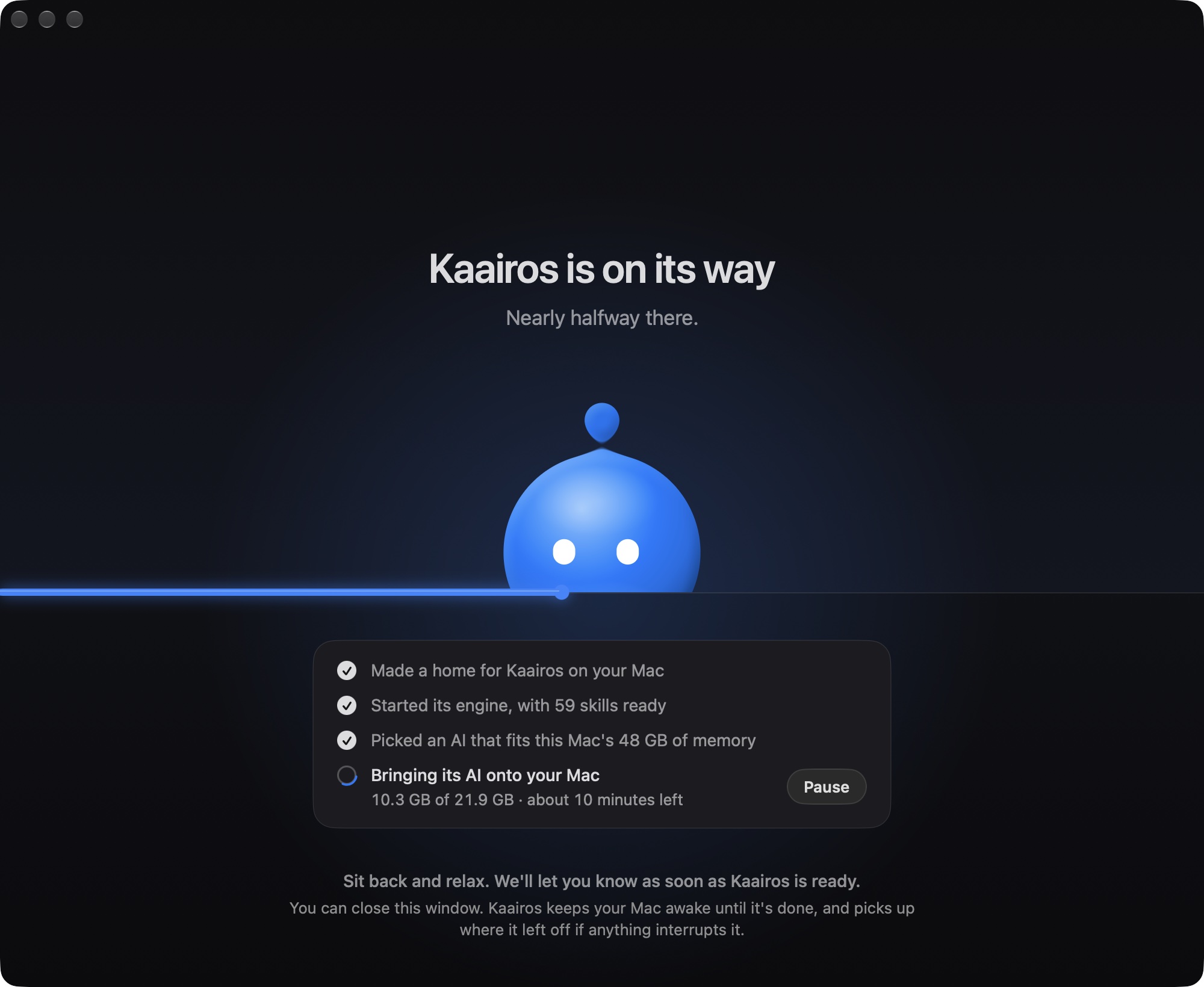
Kaairos uses a private model for a different purpose. Instead of answering in a chat window, QuickSilver plans and carries out a job: searching the web, opening pages, comparing, writing a document, setting a routine that runs every morning, asking you before anything risky. It needs a stronger model to do that well, which is why it asks for 32 GB of memory to run its own AI, and picks one with enough context (at least 64,000 tokens) for agent work.
You also don't choose that model. Setup reads your Mac's memory, picks an open-weight model from the engine's curated catalog, downloads it from Kaairos's own mirror and checks it byte by byte. In GPT4All, choosing and swapping models is part of the fun; in Kaairos it's deliberately out of the way, though you can pick a different AI per chat in the model picker.
The same task in both: understand a contract
You have a tenancy agreement as a PDF and want to know the notice period and any fees for leaving early.
In GPT4All
- Download and choose a model.
- Open LocalDocs, add the folder that holds the contract and let it index.
- Start a chat with that collection selected and ask about the notice period and early-exit fees.
- Read the answer and the passages it cites.
In Kaairos
- Ask QuickSilver and tell it where the file is.
- It reads the contract on the Mac with the private AI.
- It answers, quotes the clauses, and can go further: work out the last day to give notice and set a reminder that keeps nudging until you've sent it.
Read Tenancy-2026.pdf in Documents. What's the notice period, and what does it cost to leave early?
Two months' written notice (clause 8.2). Leaving before 12 months costs the landlord's re-letting fee, capped at one month's rent (clause 9.1). If you want to leave on 31 March, notice must arrive by 31 January. Want a reminder on 20 January?
Yes, and keep reminding me until I've sent it.
For a one-off question, GPT4All does the job well and for free. The difference shows when the answer leads to something to do.
Privacy, side by side
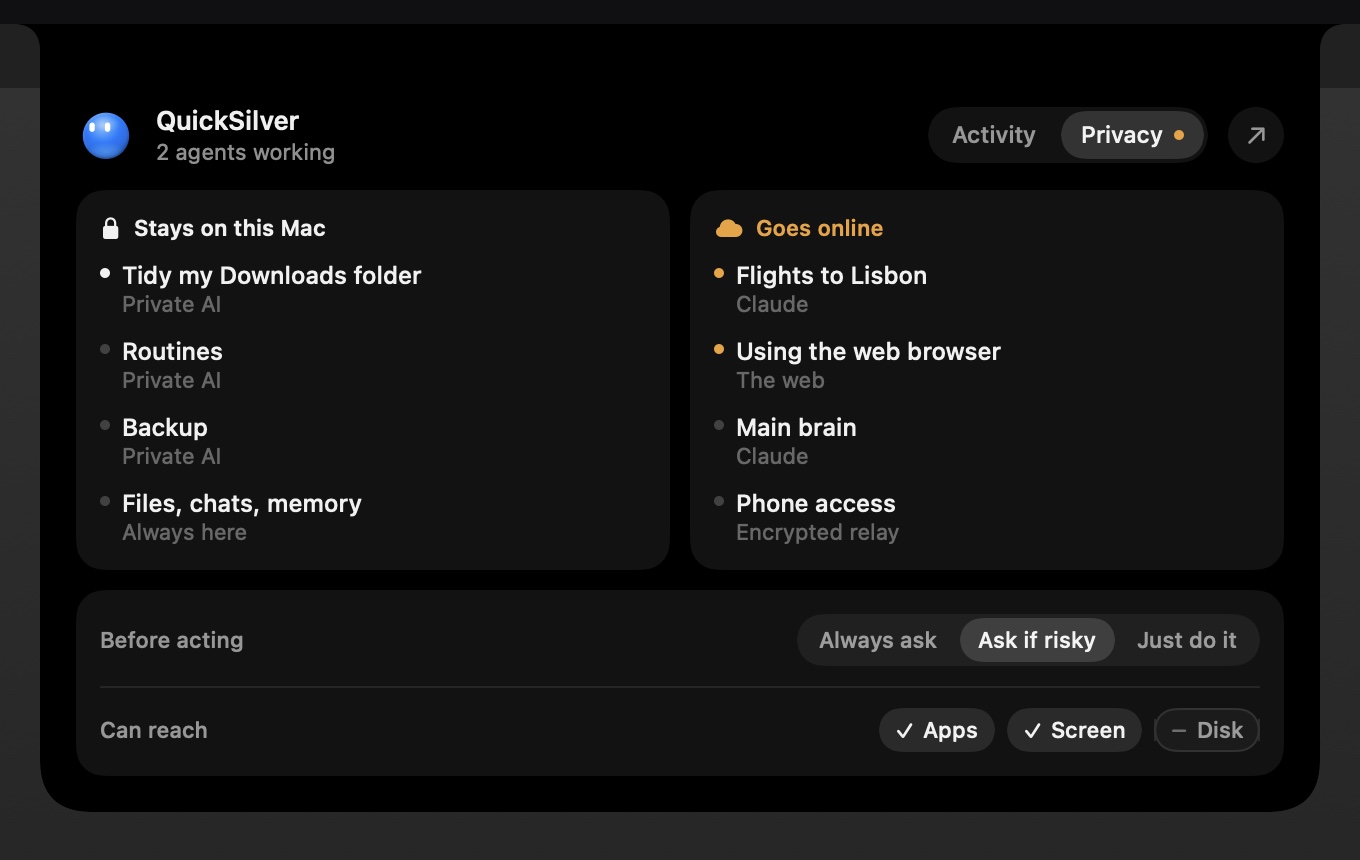
With local models, both keep your words on your computer. GPT4All's site says no data leaves your machine, and its Datalake sharing is opt-in and off by default. If you add a remote provider in GPT4All, those chats go to that provider.
Kaairos's private AI works the same way, with one difference that comes from being an agent: to do a job it may visit web pages, which your Mac fetches like any browser. Chats you route to an online AI go to that company. Kaairos has no analytics and no Stuvio server in the conversation path.
| Kaairos (private AI) | GPT4All (local model) | |
|---|---|---|
| Your questions | Stay on the Mac | Stay on the computer |
| Your documents | Read on the Mac | Indexed on the computer by LocalDocs |
| Sharing chats | Never | Only if you turn on Datalake (off by default) |
| Web access | Yes, to do tasks, from your Mac | Not part of the app |
| Account needed | No | No |
What it costs in the first year
- GPT4All: free and open source. Year one: $0, on a Mac with 16 GB of memory.
- Kaairos: $29 once. Year one: $29, on a Mac with 32 GB of memory for the private AI. On a smaller Mac, add an online AI and pay that company for what you use.
If you're choosing a Mac for this, memory is the larger cost. A 16 GB Mac runs GPT4All's smaller models comfortably; an agent that plans and uses tools needs a larger model, and 32 GB.
Using them together
There's no conflict. Some people keep GPT4All for quick private chats with a folder of documents and use Kaairos for jobs and routines. On a 32 GB Mac, avoid running both models at once if memory is tight; Kaairos unloads its private AI after 15 idle minutes.
When to choose GPT4All instead
- You want a free, open-source app to chat with a local model.
- You mainly want to ask questions about your own documents with LocalDocs.
- Your Mac has 16 GB of memory or runs macOS 12 to 14.
- You use Windows or Linux too.
- You don't need anything done, only answered.
Sources
Fair questions
Is GPT4All still maintained?
Its latest release on GitHub is v3.10.0 from 25 February 2025, and there has been little activity since. It still works, but it isn't moving quickly.
Is GPT4All free?
Yes, it's open source under the MIT licence and free to download.
Does GPT4All work on a Mac?
Yes, on macOS Monterey 12.6 or newer, best on Apple silicon, with 16 GB of memory.
Is GPT4All private?
With local models, Nomic says no data leaves your machine. Datalake sharing is opt-in and off by default.
Can GPT4All browse the web or run tasks on a schedule?
Its official documentation doesn't mention browsing, tools, MCP or scheduling. It's built for chat and document questions.
What's a good GPT4All alternative for Mac?
For a free local chat app, LM Studio or Jan. For an agent that does tasks with a private AI, Kaairos. See our comparison of private AI apps for Mac.
Can I use GPT4All's models in Kaairos?
No. Kaairos manages its own private AI, chosen from the engine's catalog for your Mac, and can add online AI you connect. It doesn't load models from other apps.
Why does Kaairos need 32 GB when GPT4All needs 16?
An agent plans, uses tools and reads long pages, which needs a larger model and a long context. Kaairos picks a model with at least 64,000 tokens of context, which needs about 32 GB.
Download and go
Your AI agent, already set up.
One button to set up. Its own private AI, free. Claude, ChatGPT or Gemini when you want more.
A Mac with Apple silicon (M1 or later), macOS 15 Sequoia or later. 14-day refund.